What you can make with ngram: 5 examples and briefs
Choose a video structure, adapt one of five example briefs, add your own sources, and review the plan before creating a V2 video.
Written By Anish Muppalaneni
Last updated About 2 hours ago
Read before this
Use this guide when you know what you want viewers to understand but need a starting structure. Choose the closest example, then replace its subject, audience, facts, and closing action with your own. The five samples show finished V2 outputs; the briefs here are new teaching templates, not the original prompts.
Before you start
You can watch and prepare a brief without an account. To create a video, sign in with permission to use your source material and enough credits for generation. V2 is in Beta. Set duration and aspect ratio in the composer, and review any displayed credit information before starting. Example lengths describe the supplied files; they are not generation-time estimates.
Choose an example
- Launch teaser: introduce one promise and a single next action.
- Product story: connect a familiar problem to a product workflow.
- Educational explainer: teach a concept through a concrete example and diagram.
- Service workflow: show an event, the response steps, and a clear resolution.
- Operational how-to: explain an approved procedure in the right order.
1. Launch teaser
Use this when the viewer only needs to remember one idea. The sample moves from an idea to a finished video using type and recurring shapes.

Brief to adapt: Create a [duration] launch teaser for [product] aimed at [audience]. Communicate this one promise: [approved promise]. Show a simple progression from [starting situation] to [outcome]. Use [approved colors/assets] and close with the exact words “[call to action]”. Keep each text card short.
What to prepare: Prepare your product name, approved promise, logo or visual references, and exact closing line.
What to check: Can a viewer repeat the one promise? Is the final invitation readable?
2. Product story
Use this when your audience recognizes the problem and needs to understand how the product helps. The sample introduces a writing concern and then an illustrated review workflow.
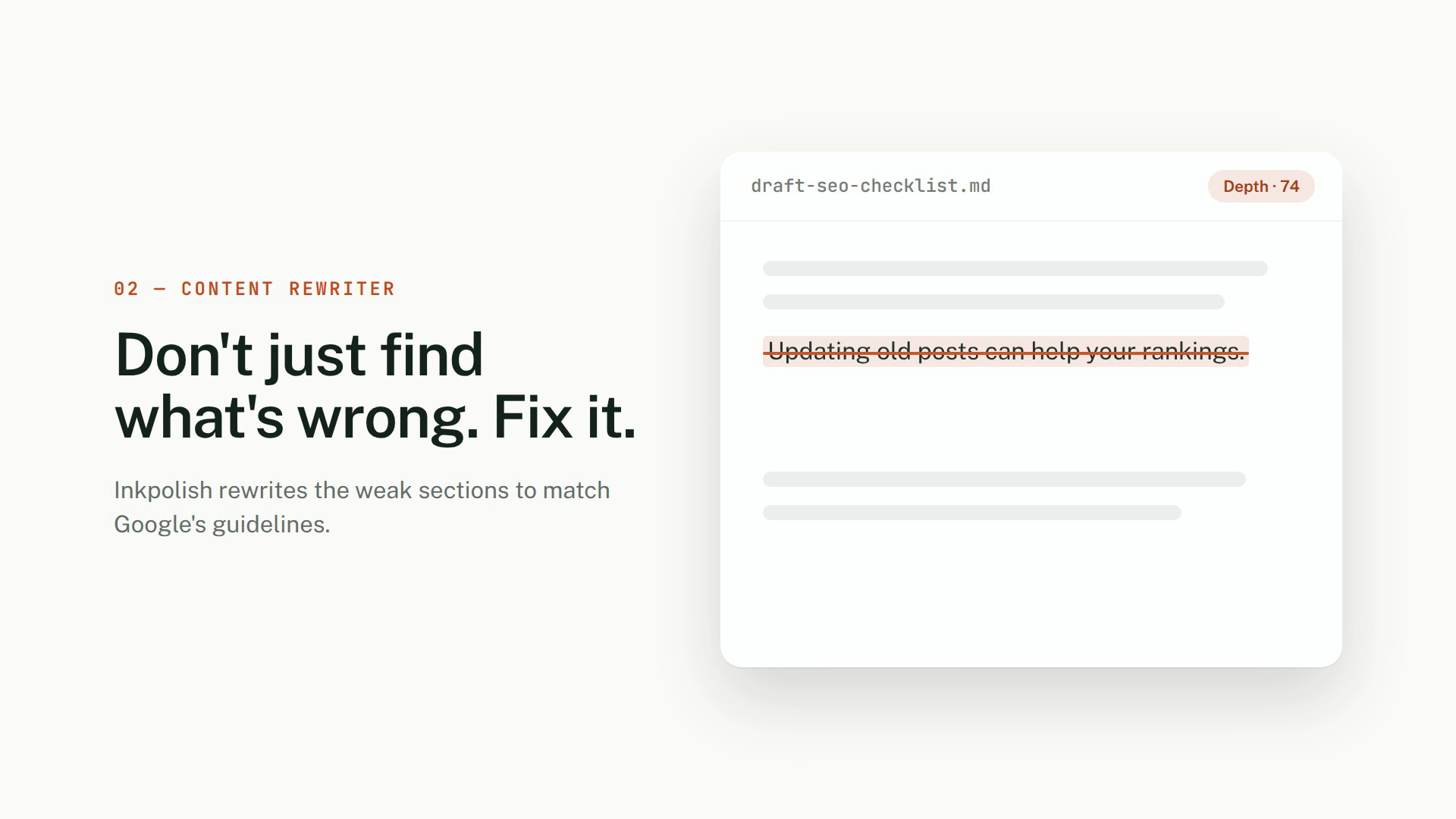
Brief to adapt: Create a [duration] product story for [audience]. Start with [specific problem], introduce [product], and show [three approved steps] in order. Use [source document] for claims and [screenshots] for real interface details. Keep [visual direction] consistent and end with “[CTA]”.
What to prepare: Provide approved product facts and real screenshots if you need an accurate interface. The sample’s interface and score are illustrative, not verified measurements.
What to check: Does the problem come before the solution? Are all product claims supported by your sources?
3. Educational explainer
Use this when a beginner needs to understand a process they cannot easily see. The sample starts in a classroom and moves into a labeled plant-stem diagram.
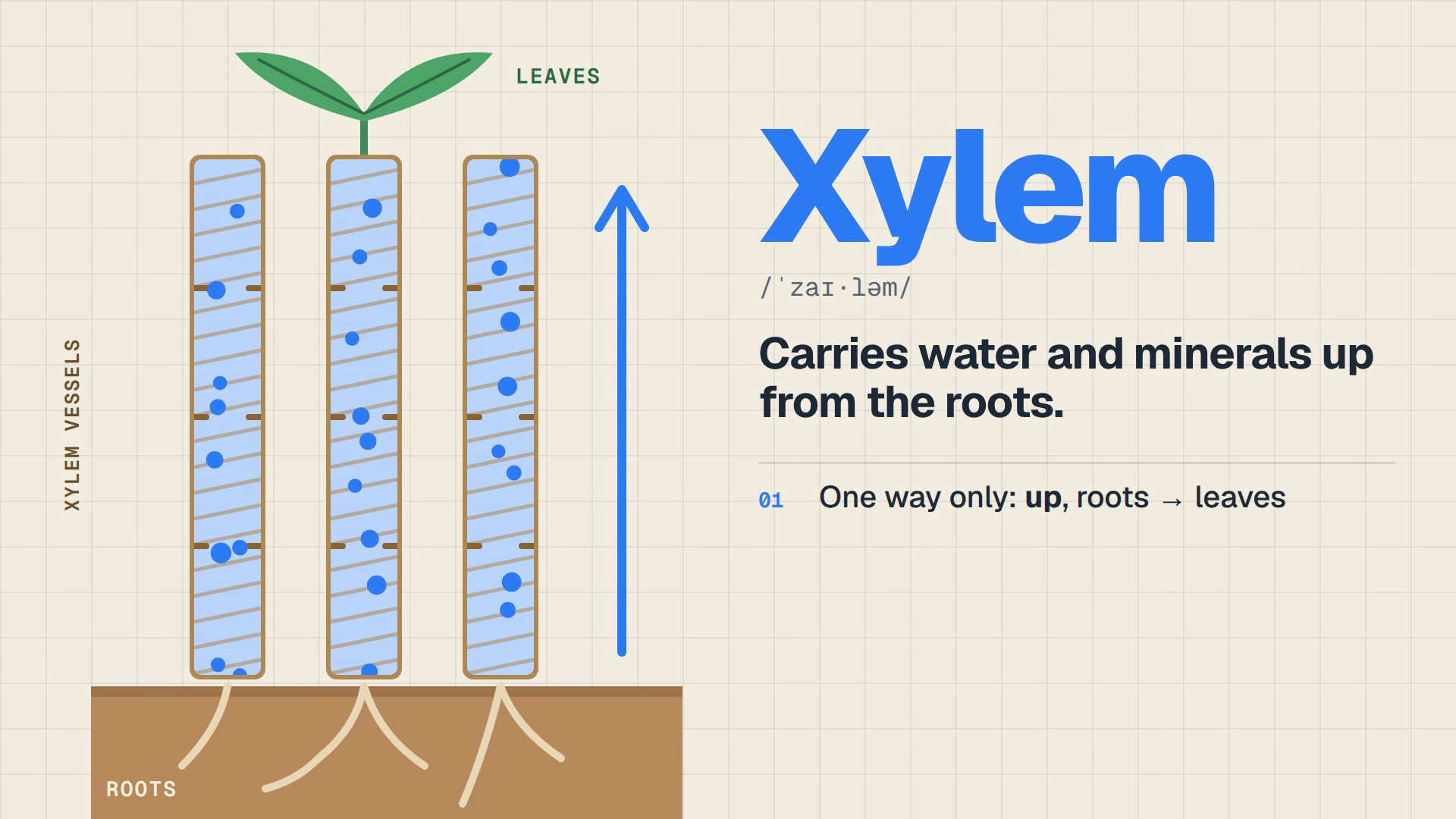
Brief to adapt: Create a [duration] explainer about [concept] for [learner level]. Begin with [familiar example], explain [key parts] with a labeled diagram, and finish with a short recap. Use [approved teaching notes] for terms, labels, and factual claims. Allow enough time to follow each part.
What to prepare: Attach reviewed teaching notes and any diagrams the explanation must follow.
What to check: Are labels and directions correct? Can a beginner follow the diagram before the scene changes? Have a subject-matter reviewer check the result.
4. Service workflow
Use this when a product coordinates several steps in the background. The sample follows an overnight equipment alarm through escalation and acknowledgement.
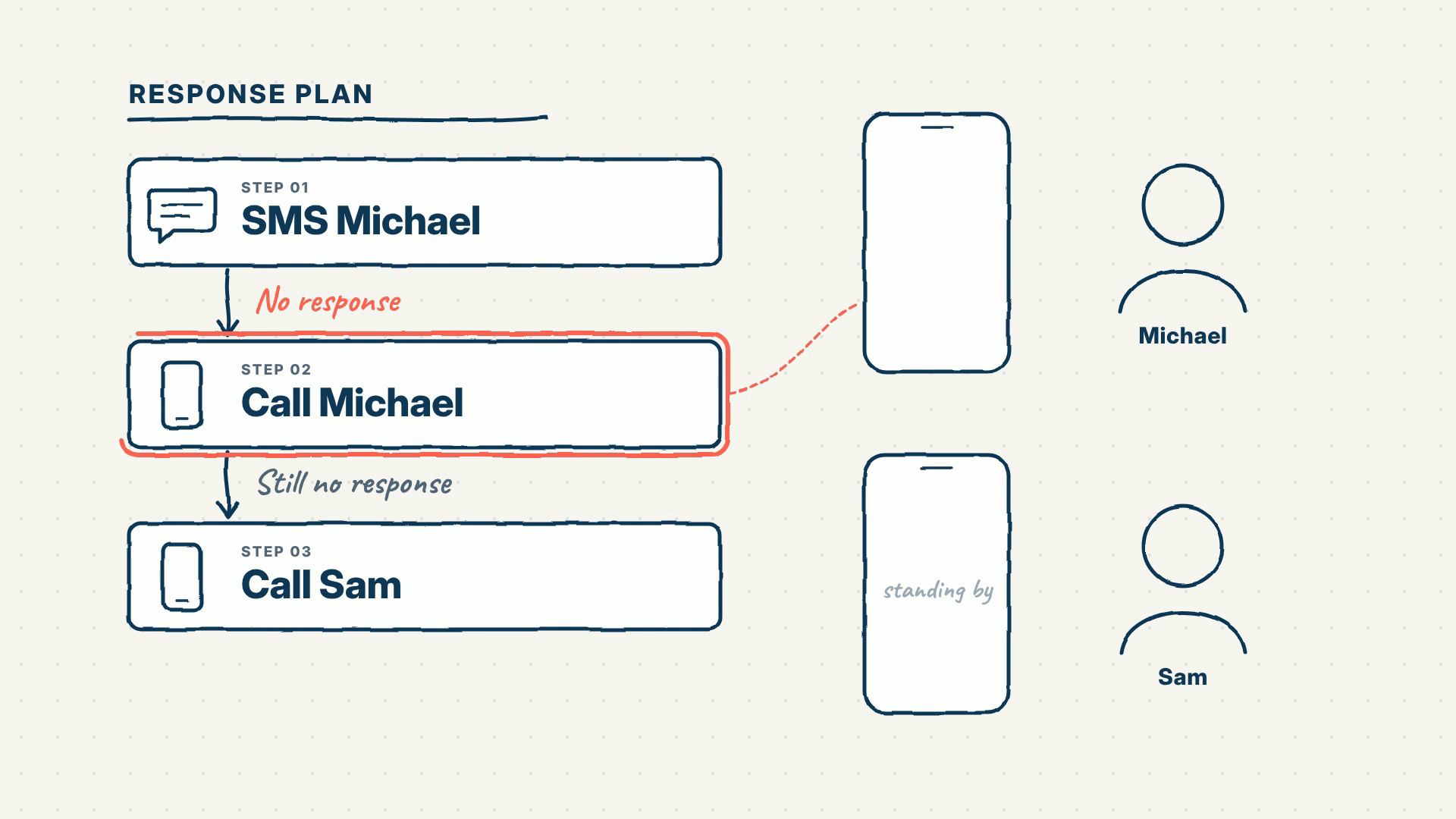
Brief to adapt: Create a [duration] explainer about [workflow] for [audience]. Follow one person through [trigger], [response steps], and [resolution]. Use [approved workflow document] as the authority. Keep the characters and visual style consistent. End by explaining [next action].
What to prepare: Supply the actual trigger, escalation order, exceptions that matter to this audience, and success state.
What to check: Is each step distinct? Is it clear who acts next and when the workflow is finished?
5. Operational how-to
Use this when people need to carry out a specific process. The sample starts with mismatched barcodes and uses recurring boxes and labels to explain receiving stock.
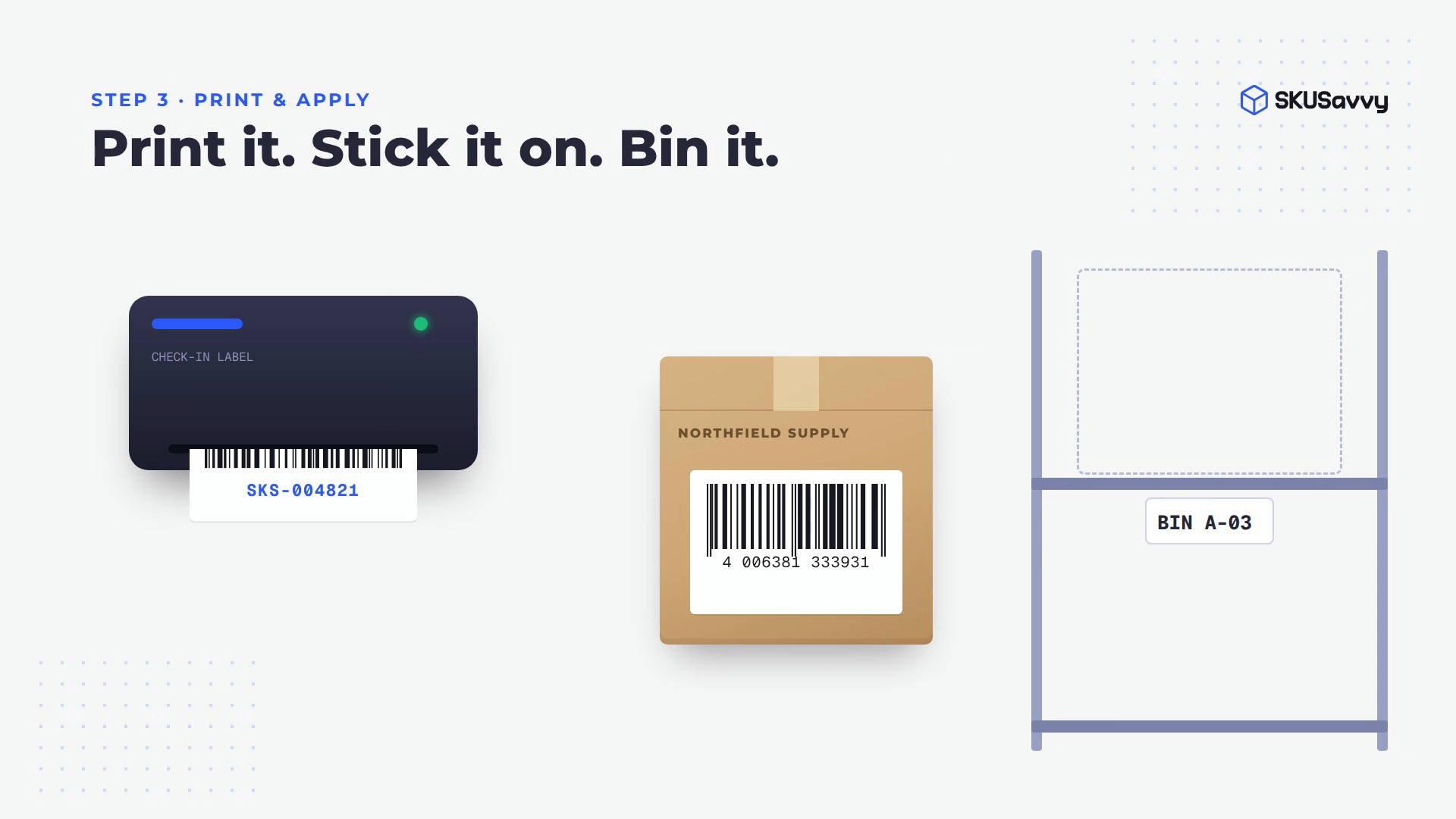
Brief to adapt: Create a [duration] how-to video for [role]. By the end, the viewer should be able to [task]. Start with [common problem], then show [approved steps] in order. Use [procedure document] for the process and [approved assets] for visuals. Keep labels readable and close with [completion check].
What to prepare: Provide the real procedure, terminology, permitted product visuals, and the check that proves the task is complete.
What to check: Does the sequence match the actual procedure? Is there enough time to read the labels and recognize the completion check?
Brand names identify the supplied samples and do not imply a customer relationship or endorsement. These structures are starting points; copying a brief does not promise an identical output.
Turn the brief into a V2 video
- Replace every bracketed field and remove instructions you do not need.
- Open Home and select V2 (Beta). Paste the adapted brief and use Add files for the sources it names.
- Review the visible duration, aspect ratio, and narration settings, then choose Create video.
- Read Script and Production details. Choose Request changes if the message, claims, or order need correction.
- Choose Approve plan when the direction is ready.
- Watch the generated preview. Check the facts, readability, pacing, and audio before downloading.
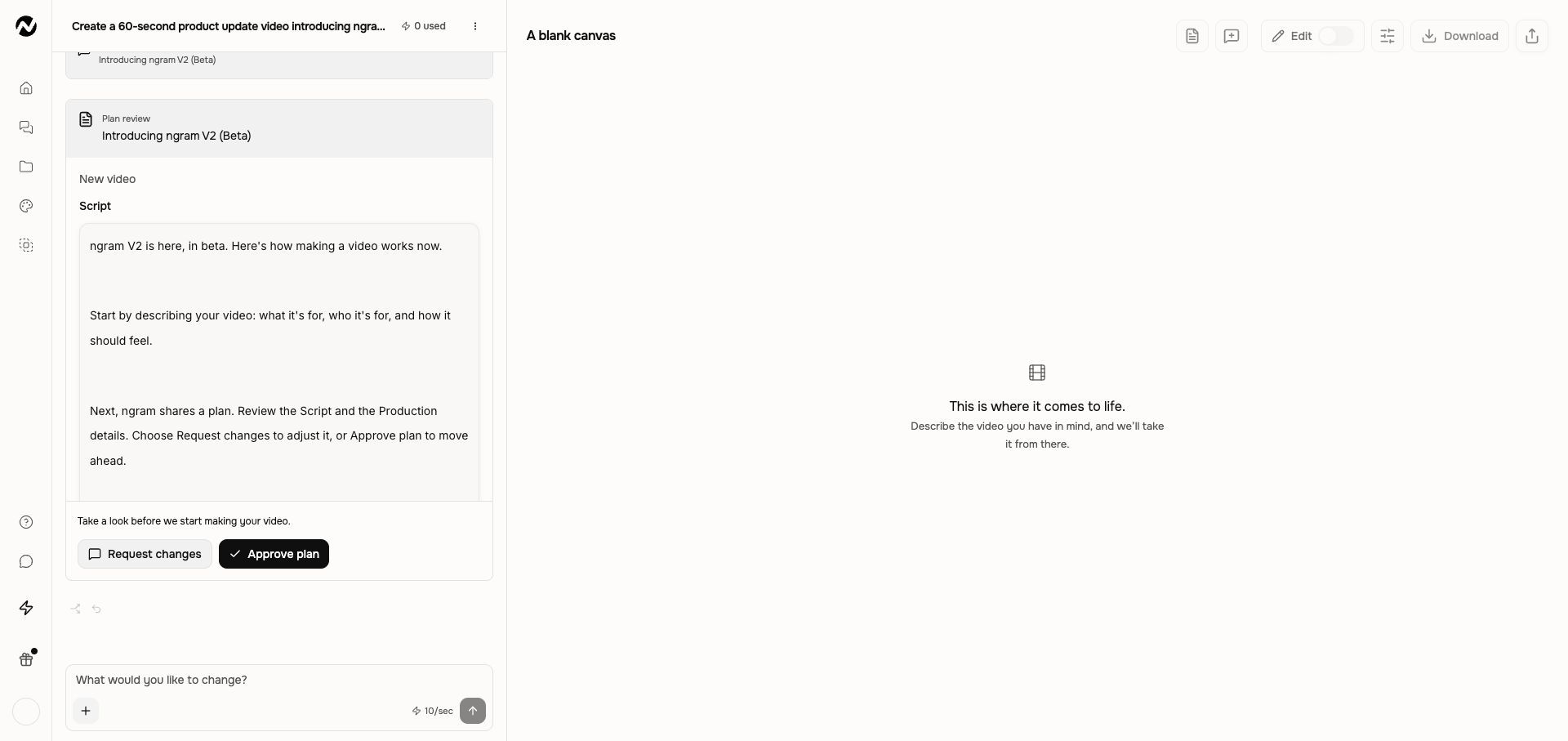
Expected result
You should have a plan grounded in your brief and, after approval and generation, a playable video in the same conversation. Keep that conversation for revisions and available versions.
If the result needs work
- Wrong message or missing step: restate the audience and missing priority during plan review.
- Unsupported fact or incorrect diagram: supply the approved wording or reference and ask for a correction before using the video.
- Wrong pacing in a finished video: name the moment, requested change, and what should stay. Wait for the result before repeating a request.
Give a specific video revision request
Keep going
- Create your first video — Follow the full V2 creation path.
- Prompt recipes — Use more fill-in briefs for common video jobs.
- Revise a generated video — Turn a concern into a precise change request.